
RabbitMQ and WebSockets
Learn how to combine RabbitMQ and WebSockets to create realtime applications. In this post we'll look at how it works and what you can do with them...
 Johan Rhodin
Showing 373–384 of 436 posts
Learn how to combine RabbitMQ and WebSockets to create realtime applications. In this post we'll look at how it works and what you can do with them...
Johan Rhodin

Thanks to everyone who attended the event in one way or another. We had a great day and we hope that you enjoyed it as much as we did! Here...
Johan Rhodin
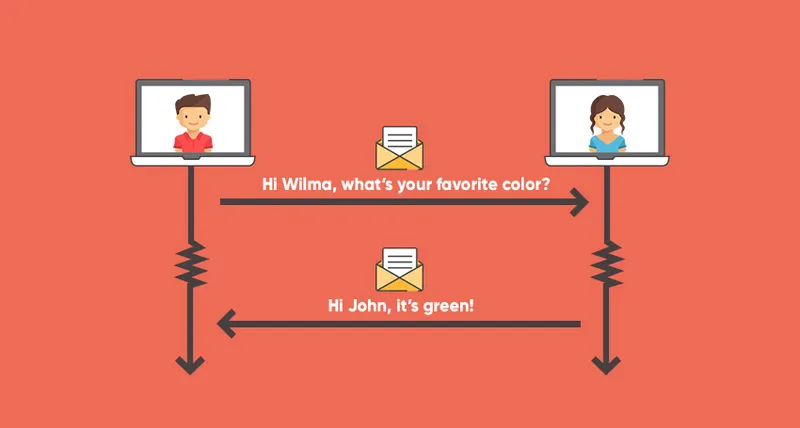
Learn about asynchronous communication, asynchronous messaging, and implementing asynchronous messaging in the cloud.
 Lovisa Johansson

Power to the people! Now you can scale your cluster live with CloudAMQP. This new big feature will make your life easier! Requirements change, the cluster you created yesterday might...
 Anders Bälter
Trying to figure out how to install your own RabbitMQ server? Let us help you with everything around your RabbitMQ server! Server download, install and config.
Johan Rhodin

Frequently Asked RabbitMQ Question: How do we close all connections in RabbitMQ? This article explains how to close a single or multiple connections in RabbitMQ.
Lovisa Johansson
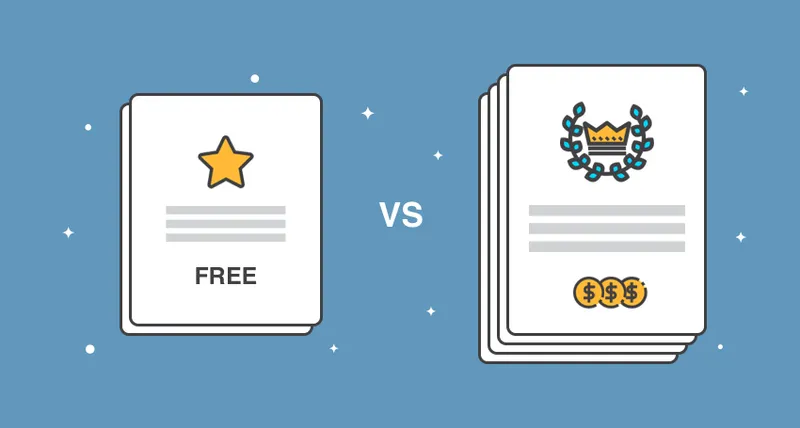
This article explains the difference between shared and dedicated plans in CloudAMQP. Find out which plan option will work best for you! Dedicated plans provides guaranteed isolation between instances. Shared...
Lovisa Johansson
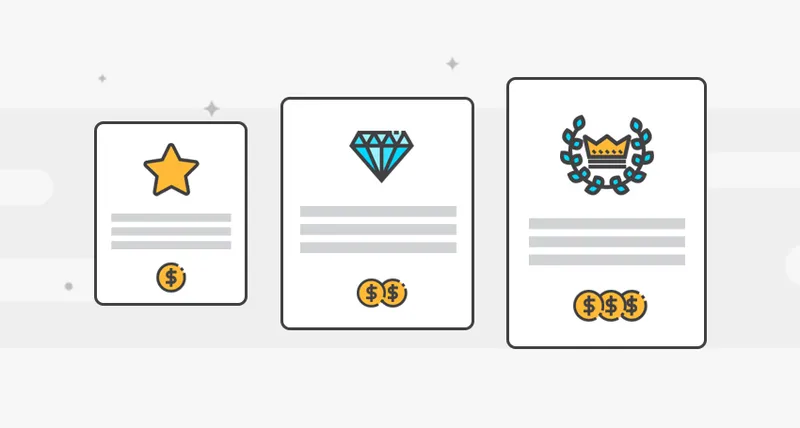
A new limit is added to increase the reliability of CloudAMQP's shared plans, the Little Lemur and Tough Tiger. Each IP is from now on limited to max 20 new...
Lovisa Johansson

CloudAMQP User Story: Example of how Cortex Intelligence built their business intelligence solution based on SpringXD and RabbitMQ. Learn why CloudAMQP was the best option!
Lovisa Johansson
Frequently Asked RabbitMQ Question: How do we delete accidentally created queues in RabbitMQ? The most common ways are either you do it via the web based UI or via a...
Lovisa Johansson
Frequently Asked RabbitMQ Question: How do we delete all messages in a queue? There are different options. The web based UI can be used or a script can be used....
Lovisa Johansson
Secure your account with two-factor authentication. Once enabled, a one-time code from an authenticator app is required in addition to your password when signing in, so your account stays secure...
Lovisa Johansson