
UPDATE: Use the latest Google Cloud Logging (formerly Stackdriver) integration built on OpenTelemetry. See the Google Cloud Logging documentation for the current setup.
Stackdriver logging
makes it easy to centralize, search and monitor your log data
from any environment. All you need to do to get your CloudAMQP RabbitMQ
logs into Google’s Stackdriver Logging is to create specific Stackdriver Logging credentials.
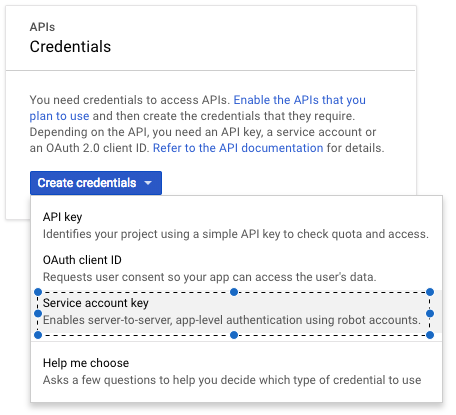
For Stackdriver logging you need to create credentials of type
Service Account Key
and download a
JSON
file that contains the private key.
You can manage your credentials at
Google Console.
You can find all CloudAMQP integration options under the Integration tab
in the control panel for your instances. Enter the Project ID and paste the Account Key JSON file to enable it.

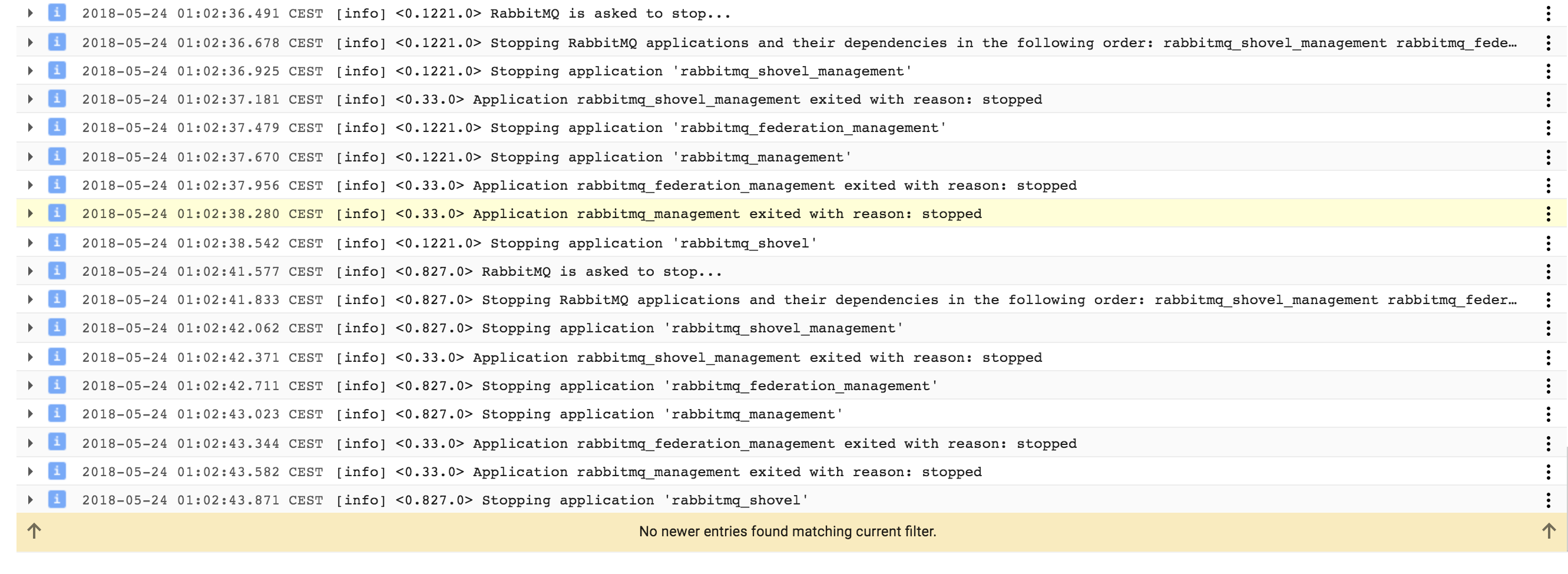
When you’ve completed the steps above, you should be able to see your logs at Stackdriver Logging.
Please email us at contact@cloudamqp.com if you have any suggestions or feedback.
 Mona Dadoun