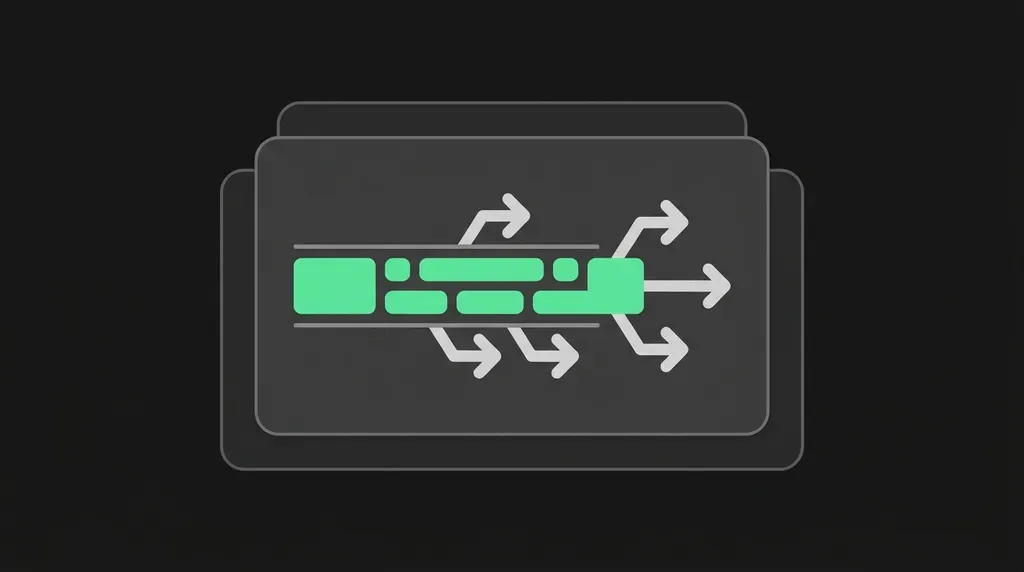
A RabbitMQ stream stores messages on disk, copies them across the nodes in a cluster, and lets consumers start reading from any point, for example the beginning, a specific message, or a point in time.
RabbitMQ streams were added in RabbitMQ 3.9 in 2021 and are included in all current RabbitMQ versions.
Why people think RabbitMQ can’t replay messages
For a long time, RabbitMQ only had queues. In a queue, a message is removed once a consumer has processed and acknowledged it. That is how queues are meant to work, and RabbitMQ queues still work that way today.
Streams arrived later, in RabbitMQ 3.9. A lot of what has been written about RabbitMQ is older than that. That is likely why you still hear that RabbitMQ “lacks a durable replay log.”
What RabbitMQ streams provide
- Messages are kept safe. They are stored on disk and copied to several servers in the cluster (replicated).
- You can read messages again. A consumer can start from the beginning, from a specific message (offset), from a point in time, or only with new messages.
- Many readers, one copy. Any number of applications can read the same stream, each at its own pace (fan-out).
- You decide how long to keep data. Messages are kept until the stream reaches a size limit (
x-max-length-bytes) or an age limit (x-max-age). - It scales. Super streams, added in RabbitMQ 3.11, split one large stream into several smaller ones (partitions).
How to use RabbitMQ streams
You can use RabbitMQ streams with the AMQP client you already have. Declare the stream with x-queue-type: stream. When you start consuming, use x-stream-offset to choose where to start reading, for example first, a specific message number, or a point in time. See How to work with RabbitMQ Streams for a full example.
For higher throughput and all stream features, use the RabbitMQ stream protocol instead.
In CloudAMQP and LavinMQ documentation you’ll also see the name stream queues. They are created like queues but behave like a log: reading a message doesn’t remove it.
Limitations of RabbitMQ streams
RabbitMQ streams protect data by keeping copies on several servers, rather than forcing every write to disk right away (fsync). Streams also don’t support some queue features, such as per-message expiry (TTL), priorities and dead-lettering. Read more in Limits and configurations for RabbitMQ Streams and the RabbitMQ streams documentation.
RabbitMQ quorum queues: when you don’t need replay
If you don’t need to read messages again but want them kept safe until they are handled, use RabbitMQ quorum queues. Quorum queues store messages on disk and copy them to several servers, and a message stays safe as long as most of those servers are running. Quorum queues replaced the older mirrored queues, which were removed in RabbitMQ 4.0.
Use quorum queues to share work between consumers, and RabbitMQ streams to keep history you want to read again. Both can run in the same cluster.
LavinMQ, the open-source message broker built by 84codes, also supports streams. Read more in Streaming with LavinMQ.
RabbitMQ streams FAQ
Does RabbitMQ keep messages after they’re read?
It can. RabbitMQ queues remove messages once they are acknowledged, but RabbitMQ streams keep them until a size or age limit is reached, so they can be read again.
Is RabbitMQ only a message queue?
No. RabbitMQ is a messaging and streaming broker that offers both queues and streams.
Do I need Kafka to replay messages?
Not necessarily. RabbitMQ streams let you replay messages from a specific point, from a point in time, or from the beginning. Kafka is still a good choice if you depend on its ecosystem, such as Kafka Connect or Kafka Streams.
 Lovisa Johansson