Why the Change?
No two tech stacks look exactly alike. We want to better understand what our clients need to integrate systems seamlessly. The more information you provide, the easier it is for us to evaluate the request and move from concept to production.
1. Requesting Data Connectors
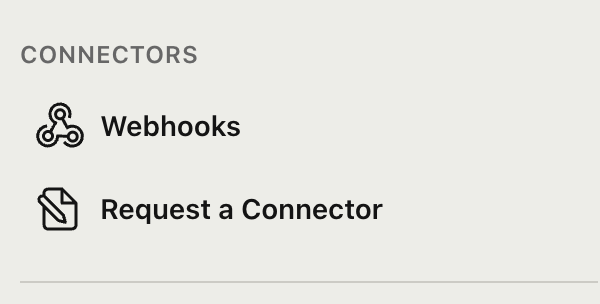
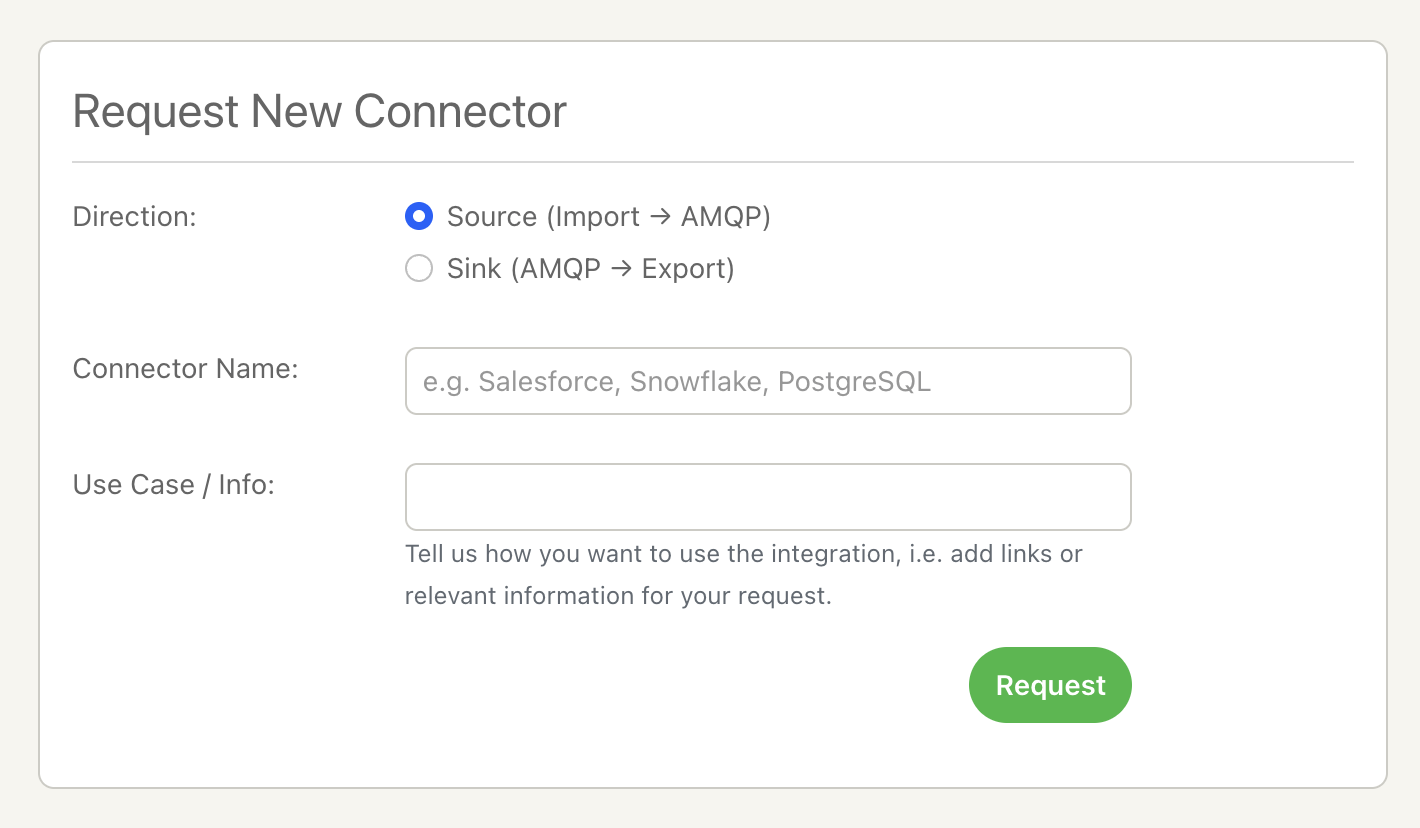
If you are looking to move data in, or out of, AMQP i.e. connecting your message broker (AMQP) to external databases or SaaS platforms, use the Connector request form. You can specify the direction of data flow:
- Source (Import → AMQP): You want to pull data from a platform (like Salesforce or PostgreSQL) and ingest it into your message broker.
- Sink (AMQP → Export): You want to push data out of your message broker into a storage solution (like Snowflake or a Data Warehouse).
2. Requesting Observability Integrations
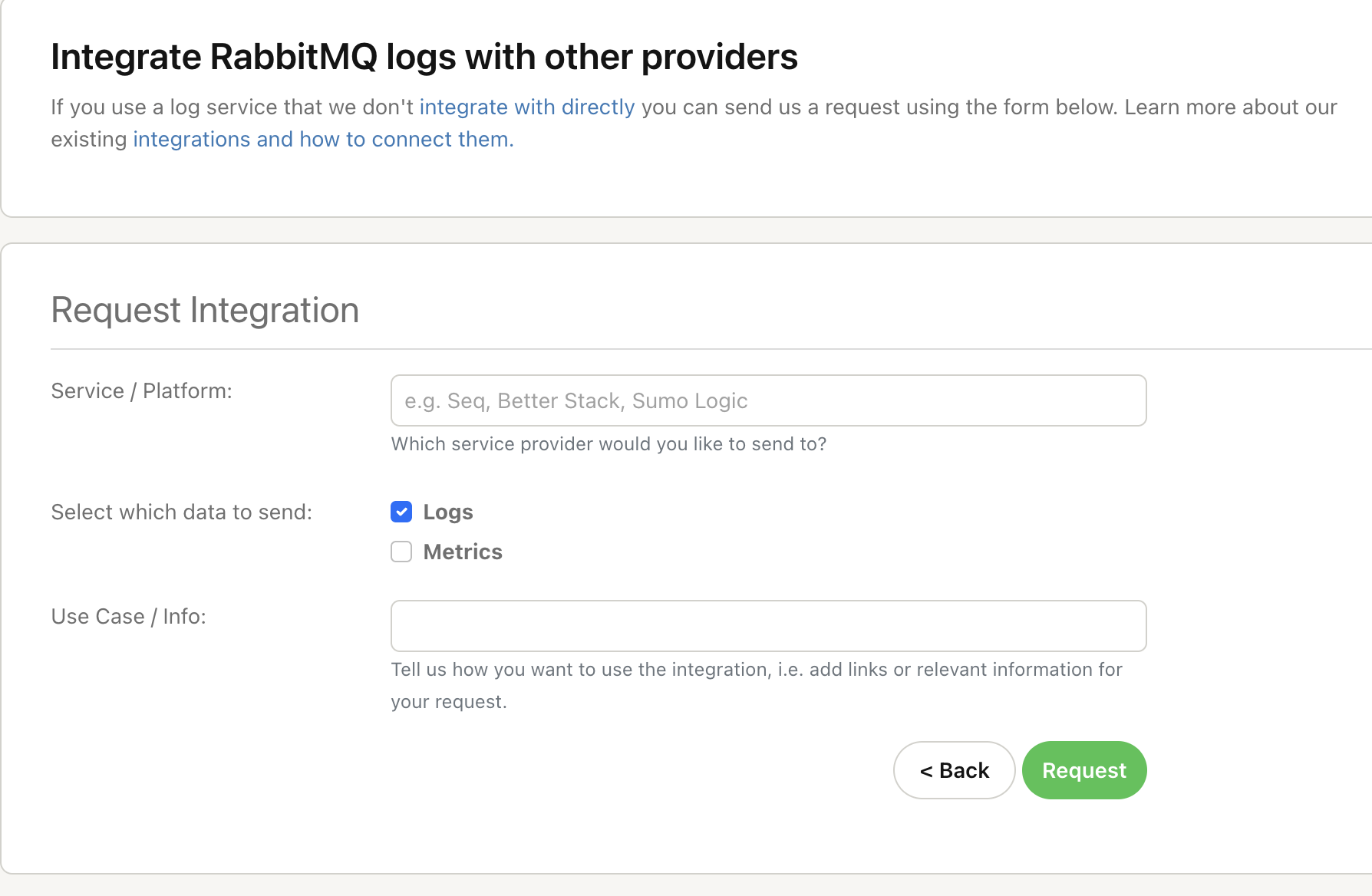
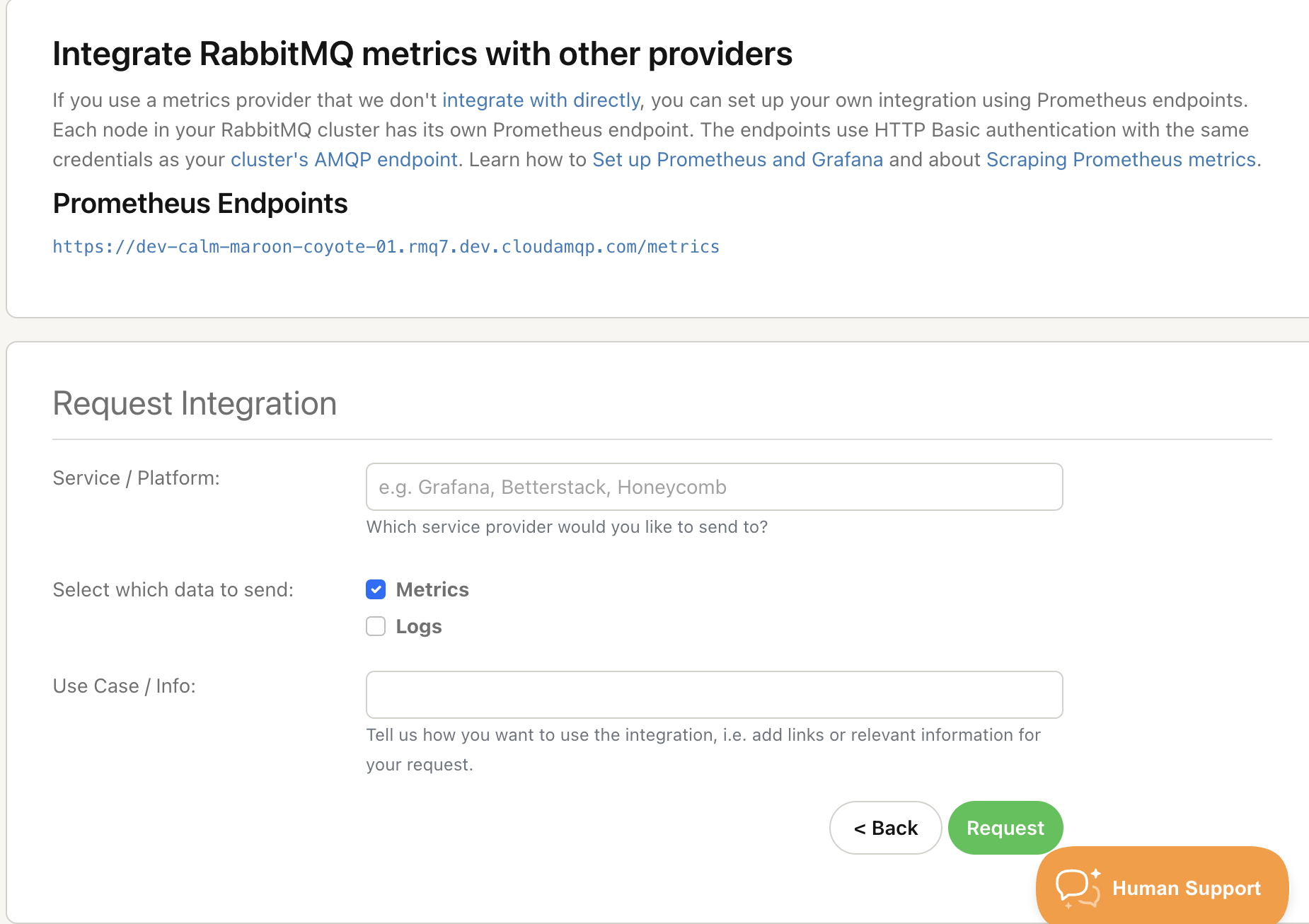
If you are trying to visualize what’s happening inside your message broker or need to centralize your logging, these are the request forms for you. It’s easy to request both from the same third-party integration if that suits your setup, or tell us where each should go. We already support direct integrations for the following:
-
Metrics Destinations:
[Azure Monitor] [Cloudwatch] [Librato] [Datadog] [Dynatrace] [NewRelic] [Google Stackdriver] [Splunk]
-
Log Forwarding:
[Datadog] [CloudWatch] [Papertrail] [Logentries] [Google Stackdriver] [Loggly] [Splunk] [Coralogix] [Azure Monitor] [DataSet(Scalyr)]
Ready to shape the ecosystem?
Log in to your console today. If you don’t see the tool you need in our [current list] fill in the relevant form, give us the details, and help us build the connectivity that powers your stack. If you have any questions or additional considerations, feel free to reach out to [support@cloudamqp.com]
👋
This blog is written by developers at CloudAMQP to showcase CloudAMQP improvements. We have over a decade of experience helping companies expand their messaging knowledge and usage. Support is included in all CloudAMQP plans, available around the clock.